

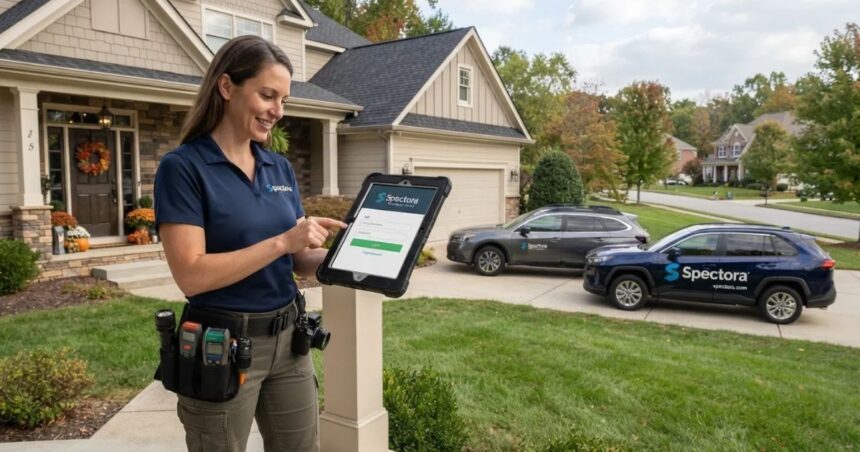
Spectora is home inspection software that pairs a mobile report writer with a business management platform. After completing the Spectora login, a home inspector writes the home inspection report on a phone or tablet, then handles scheduling, payment processing, and client communication in the same account. PropToolFinder tags it for agents and investors, and it describes the tool as purpose-built for real estate professionals.
PropToolFinder calls Spectora a web-based platform with no software installation, easy setup, and onboarding. It also lists integrations, AI-powered automation, and recent AI defect identification. Clients who open client-friendly reports reach them through a client portal, according to HomeInspector.com’s comparison.
How does the Spectora login work?
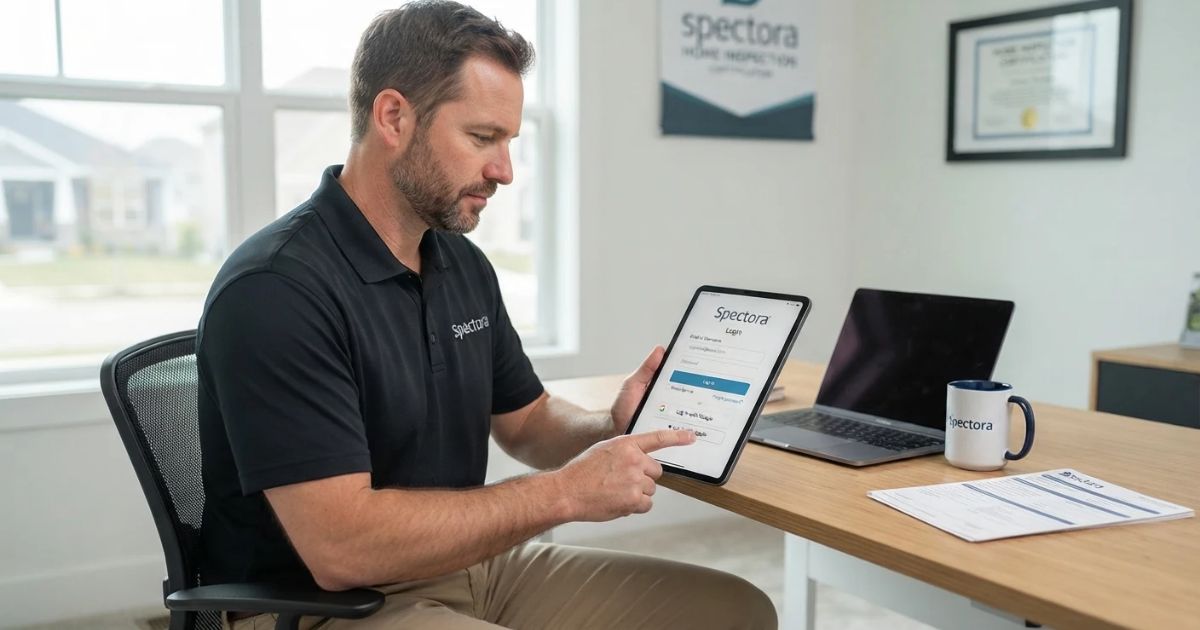
A Spectora login page lets a home inspector sign in to the account that holds reports, bookings, and payments. Neither review page we checked explains the sign-in steps, so treat Spectora’s own website as the only reliable source for them. Search for how to log in to Spectora only after you confirm that you are on the official domain.
Plan for the account access problems that really happen: a forgot password moment at a job site, a password reset message that arrives late, or a Spectora app login on a new phone. Before you commit to any platform, check whether its sign-in page offers two-factor authentication and whether the inspector dashboard loads quickly on a tablet. HomeInspector.com, for comparison, places an inspector login link beside a create free account button.
What features does Spectora list on its website?
HomeInspector.com bases its comparison on Spectora’s public pages, and it credits the product with custom templates, scheduling, agreements, payment processing, a client portal, and payment-gated report delivery. PropToolFinder adds a mobile app and marketing automation. Together, those pages describe a tool that covers the job from booking to report delivery.
Messaging comes next: HomeInspector.com lists email and SMS for automated communications and contacts, with CRM in the Advanced plan. It also cites a repair request builder that creates report-linked repair requests, and it groups a website builder with a custom domain connection as a separate website plan. Spectora Marketplace, which PropToolFinder describes as an ancillary services marketplace inside reports, gives you another item to raise on a sales call.
How much does Spectora cost in 2026?
Anyone searching Spectora pricing 2026 finds two starting figures. PropToolFinder lists Spectora from $99 per month with no free plan, while HomeInspector.com puts the core plan at $1,090 on the annual plan or $109 on the monthly plan. Check Spectora’s own pricing page before you budget.
Extras shape the total software bill. HomeInspector.com’s September 2026 review reports website plans from $699 per year with a $499 setup fee, and it lists CRM in the Advanced plan at $4 per inspection, which works as a per-inspection fee. Build your own pricing comparison by adding the subscription, website, and CRM lines, then ask each vendor whether it charges a per-report fee or offers no contract terms.
What alternatives to Spectora exist?
The pages we checked name four Spectora alternatives: HomeInspector.com, HomeGauge, ISN, and Palm-Tech. Each brand offers the services listed on its own website, so confirm every detail on the vendor’s page before you decide. This article repeats only the features that those pages state.
A Spectora alternative can replace the whole stack or fill one gap, such as inspection scheduling or report writing software. Start by listing your gap, then read each vendor’s website. A shorter feature list can beat a longer one when it fits your workflow.
What does HomeInspector.com offer?
HomeInspector.com lists reports, iOS and Android apps, scheduling, agreements, payments, a website builder, and an agent portal with a repair request tool. It states no subscription, no per-report fee, and no contract, and every report supports a PDF download. Inspectors can book a demo and request a data export whenever they like.
The comparison page says the website builder produces a custom website with online booking, and it lists email and CRM now with SMS and a custom domain coming soon. Reggora, an appraisal technology company, builds and backs the platform, and inspectors may take optional paid property-data assignments in select pilot markets. Those jobs collect a floor plan and property data during an on-site inspection, and HomeInspector.com says it does not share the report with lenders.
What do HomeGauge, ISN, and Palm-Tech offer?
PropToolFinder describes HomeGauge as report software for home inspections with online scheduling, and it describes ISN as an inspection scheduling and management network. It calls Palm-Tech a Windows-based report writer for experienced inspectors. The page lists starting prices of $49, $60, and $50 per month for those three brands, in that order.
Spectora announced its HomeGauge acquisition on April 1, 2025, according to HomeInspector.com. That detail matters if you use HomeGauge today, so ask both companies how the deal affects your account. Neither page lists further features for these brands, so check their websites before you decide.
What should you look for in home inspection software?
Look for report writing software that matches the way you inspect: quick narratives, flexible custom templates, and a report layout that clients enjoy reading. Then check online booking, payment processing, and the mobile app. A tool that fails at those basics will not be rescued by extras.
Run a practice job in each tool on your shortlist before paying anyone. Time how long a normal report takes on your field app, and open the PDF download to see what your client sees. One real test beats a dozen screenshots and a sales call.
Which components and defects should your templates cover?
Templates should cover the roof, foundation, electrical panel, plumbing, HVAC, and water heater at a minimum, because those systems often carry the largest repair costs. Add the attic, crawl space, insulation, siding, drainage, and windows and doors next. Each section needs room for photos and plain comments.
Report language should name common problems clearly, including water intrusion, mold, radon, wood-destroying insects, structural cracks, roof leaks, outdated wiring, and other safety hazards. A strong narratives library saves time on these items. Home buyers also need clear repair negotiation support, so test how each repair request builder works.
Which inspection types, tools, and standards should the software support?
The software should handle a pre-purchase inspection, a pre-listing inspection, and a new construction inspection. It should also cope with add-ons such as radon testing, a sewer scope, mold testing, and thermal imaging. Those jobs produce photos and readings that must land in the report cleanly.
Field gear matters as much as software: a moisture meter, a thermal imaging camera, a drone, and a GFCI tester each create data for the report. Professional rules matter too, including standards of practice from InterNACHI or ASHI, state licensing, and errors and omissions insurance. Store a signed pre-inspection agreement in your software, and verify the legal details with your association and insurer.
Is it worth switching from Spectora?
It depends on your total software bill, your habits, and how much you value Spectora’s ecosystem. HomeInspector.com’s side-by-side comparison argues for switching software to cut costs, yet it admits that Spectora has strong points. Weigh the pros and cons against your own workload.
HomeInspector.com lists reasons to stay: a large user community, shared templates, a mature add-on ecosystem, and AI-assisted report writing. It lists reasons to switch too, including cost, an included website, and free setup help. Its migration plan covers template import in about fifteen minutes, a kickoff call, a chosen go-live date, and a practice job, with no lock-in and a data export option.
Why use this website to find the right provider?
This site gathers Spectora login guidance, plan details, and Spectora alternatives in one place, so you skip opening ten tabs. We summarize what each vendor states and send you to the vendor’s website to confirm. You leave with a checklist you can reuse for any vendor, not a sales pitch.
Searches for the best home inspection software, free home inspection software, or a home inspection software comparison mostly return vendor pages. A Spectora vs HomeGauge question, for example, needs a neutral source that also notes the HomeGauge acquisition. This Spectora review keeps vendor claims separate from our own checks.
What do readers ask most about Spectora?
Is Spectora free to use?
No. PropToolFinder lists no free plan and shows a starting price of $99 per month, while HomeInspector.com lists higher figures for the core plan. The two sources differ, so check Spectora’s own website for discounts or trials, which PropToolFinder mentions.
Where do I find the Spectora login page?
Start from Spectora’s official website, not from a search ad or a forwarded link. Look for a sign-in option there, then bookmark the page you reach so you skip searching next time. Check the address bar before you type a password, because fake sign-in pages copy real ones.
Does Spectora work on a phone?
PropToolFinder describes it as a web-based platform and a mobile report writer with no software installation. HomeInspector.com lists a mobile app for it as well. Test either one on your own phone or tablet during a trial, because screen size changes how fast you can write.
Can I move my templates away from Spectora?
HomeInspector.com says it imports Spectora templates and narratives itself, and it puts the template import at about fifteen minutes. Other vendors may offer similar help, so ask before you sign up. Ask every vendor, Spectora included, about data export, because you may want to leave someday.
Which Spectora alternative costs the least?
HomeInspector.com lists itself as free, while PropToolFinder shows starting prices of $49 for HomeGauge, $50 for Palm-Tech, and $60 for ISN. Price alone misses features, so compare what each plan covers. Confirm current numbers on each vendor’s website, since prices change.
Where can you get reliable help with Spectora login?
Reliable help starts with the official Spectora login page, then moves to a fair look at plans and Spectora alternatives. This website walks you through that process, from home inspection software features to pricing comparison and switching steps. Bookmark it, run your own practice job with two or three vendors, and return whenever you need current Spectora login answers.